Binance Futures Liquidation 2025: How It Works & How to Avoid It
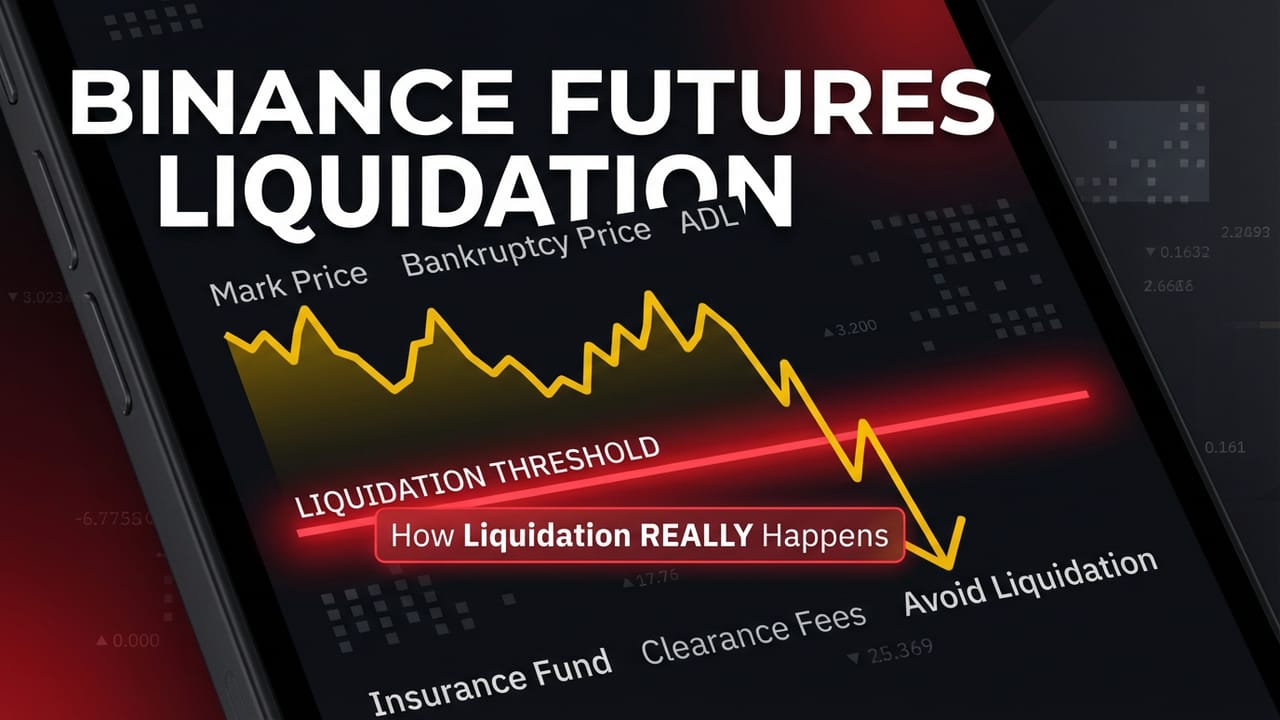

Liquidation occurs when your position’s losses exceed your margin and Binance automatically closes it. Understanding how liquidation works—including Mark Price, Bankruptcy Price, and the Insurance Fund—is essential for risk management in futures trading.
📚 Educational
✓ Updated Dec 2025
⚡ TL;DR: Liquidation Quick Facts
- Liquidation Price: Where liquidation starts (Margin Ratio = 100%)
- Bankruptcy Price: Where losses = initial margin (margin = 0)
- Insurance Fund: Covers bankrupt positions, prevents ADL
- ADL: Last resort if Insurance Fund depleted
📑 Table of Contents
What is Liquidation?
Liquidation is the automatic closing of your position when your margin balance falls below the maintenance margin. This happens when your unrealized losses grow too large relative to your collateral.
🔴 When Does Liquidation Occur?
Margin Ratio = Maintenance Margin ÷ Margin Balance = 100%
In simple terms:
- Margin Balance = Wallet Balance + Unrealized PnL
- Maintenance Margin = Minimum collateral required to keep position open
- When Margin Balance < Maintenance Margin → Liquidation triggers
📉 Liquidation Example
Position
Long 1 BTC at $100,000
20x leverage = $5,000 margin
Maintenance Margin
$500 (0.5%)
Based on margin tier
BTC drops to $95,500 (-4.5%):
- Unrealized Loss: $4,500
- Margin Balance: $5,000 – $4,500 = $500
- Margin Ratio: $500 ÷ $500 = 100%
- Result: LIQUIDATION TRIGGERED
Key Prices Explained
Understanding the difference between Mark Price, Liquidation Price, and Bankruptcy Price is crucial:
📊 Mark Price
What it is: The “fair value” of the contract, calculated from spot prices across multiple exchanges + funding data.
Why it matters: Liquidation is triggered based on Mark Price (NOT Last Price). This prevents manipulation via sudden price spikes.
💡 Key: Your unrealized PnL and liquidation are calculated using Mark Price.
🔴 Liquidation Price
What it is: The price at which liquidation begins. When Mark Price hits this level, your Margin Ratio = 100%.
Factors affecting it: Leverage, position size, maintenance margin rate, wallet balance (cross margin).
💡 Key: Visible in your position tab. Monitor this closely!
💀 Bankruptcy Price
What it is: The price where your losses = entire initial margin (margin balance = 0). Liquidation orders execute as limit orders at this price.
What happens: If liquidation fills above bankruptcy price → remaining funds go to Insurance Fund. If below → Insurance Fund covers deficit.
💡 Key: You may lose more than expected if liquidation fills at bankruptcy price.
📈 Price Relationship (Long Position)
Entry:
Liquidation:
Bankruptcy:
Gap between Liquidation and Bankruptcy = Liquidation Clearance Fee buffer
Liquidation Process (“Smart Liquidation”)
Binance uses “Smart Liquidation” to minimize losses. The system tries to avoid full liquidation when possible:
1
Cancel All Open Orders
System first cancels all open orders (cross margin: all orders; isolated: orders for that token only). This frees up margin.
2
Attempt Partial Liquidation (IOC Order)
System places an Immediate-or-Cancel (IOC) order to reduce position size. If margin becomes compliant after partial fill, liquidation stops.
3
Full Liquidation (if still deficient)
If still margin deficient, position is fully liquidated at Bankruptcy Price. Liquidation Clearance Fee is deducted.
4
Bankruptcy → Insurance Fund / ADL
If account goes negative (bankrupt), Insurance Fund covers deficit. If Insurance Fund insufficient → Auto-Deleveraging (ADL) triggers.
Insurance Fund
The Insurance Fund is a safety net that protects traders from bankrupt positions and ensures winning traders receive their full profits.
🛡️ What It Does
- Covers losses from bankrupt positions
- Prevents ADL (Auto-Deleveraging)
- Clears negative wallet balances
- Ensures winners get paid in full
💰 How It Grows
- Liquidation Clearance Fees from non-bankrupt liquidations
- Profits from bankrupt positions taken over
- Binance contributions if fund falls below minimum
- Quarterly reviews and rebalancing
📊 Insurance Fund Structure
Binance maintains separate Insurance Funds for different contract types:
- USDⓈ-M: BTC, ETH, BNB USDT-margined contracts share one fund
- COIN-M: Each crypto collateral has its own fund (smaller, higher ADL risk)
📍 View Insurance Fund balance: Futures → Data → Insurance Fund History
Auto-Deleveraging (ADL)
ADL is the last resort when Insurance Fund cannot cover bankrupt positions. Profitable traders on the opposite side are automatically closed.
⚠️ How ADL Works
1. Priority Ranking
Traders ranked by profitability × leverage. Most profitable + highest leverage = first in queue.
2. Forced Closure
Profitable positions are closed at the Bankruptcy Price of the losing trader. No trading fee charged.
3. Notification
Affected traders receive immediate notice with amount and liquidation price.
📊 ADL Indicator
Your position shows an ADL indicator (5 bars) showing your queue position:
← 5 bars = High priority (will be deleveraged first)
💡 Tip: COIN-M contracts are more likely to experience ADL due to smaller insurance funds.
Liquidation Clearance Fee
When liquidated, Binance charges a Liquidation Clearance Fee that goes to the Insurance Fund. This fee is deducted from your remaining margin.
💰 Fee Calculation
Liquidation Clearance Fee = Position Notional × Fee Rate
Fee Rates (approximate):
- USDⓈ-M Isolated: ~1.5-2%
- USDⓈ-M Cross: Varies by position tier
- COIN-M: Varies by contract
📉 Example: $50,000 Position Liquidated
Fee Rate: 2% → Clearance Fee = $50,000 × 2% = $1,000
This is why you often lose more than expected during liquidation.
How to Avoid Liquidation
Keep Margin Ratio Under 80%
Binance recommends keeping margin ratio below 80%. At 100% = liquidation. Monitor constantly.
Use Lower Leverage
High leverage = small price movement to liquidation. Use 5x-10x max for most trades.
Always Use Stop-Loss
Set SL before liquidation price. Exit with controlled loss instead of full liquidation + fee.
Add Margin When Needed
If position is losing, add more margin to lower liquidation price. Use Isolated margin to add margin to specific position.
Use Isolated Margin
Limits loss to assigned margin only. Cross margin risks entire wallet balance.
Don’t Average Down Losers
Adding to losing positions INCREASES liquidation price, not decreases it!
Trade Safer with Proper Risk Management
Binance Futures Calculator helps you calculate liquidation price before entering
Frequently Asked Questions
Why was I liquidated at a different price than shown?
Liquidation uses Mark Price, not Last Price. In volatile markets, Mark Price can jump quickly past your liquidation price. The actual liquidation price in your history may differ from the estimated one.
Why did I lose more than my margin?
You paid a Liquidation Clearance Fee (1.5-2% of position). Check Transaction History → Liquidation Clearance for details. Also, in Cross Margin, your entire wallet is at risk.
Can I stop liquidation once it starts?
No. Once liquidation triggers, you cannot perform any transactions. Transferring assets after liquidation begins will NOT stop it. Prevention is the only option.
Does my liquidation price change?
Yes, it can change due to: (1) Funding fees affecting wallet balance, (2) Adding/removing margin, (3) Changes in maintenance margin rate, (4) In Cross Margin: other positions’ PnL affecting total balance.
What happens if my account goes negative?
The Insurance Fund automatically clears negative balances every 10 minutes (if you have no open positions and Multi-Assets Mode is off). You won’t owe Binance money.
Where can I check liquidation history?
Futures → Order History → Liquidation History. You’ll see liquidation price, amount, and fees paid.
📌 Liquidation Summary
Trigger
Margin Ratio = 100%
Price Used
Mark Price
Protection
Insurance Fund
Last Resort
ADL
Related Binance Guides
⚠️ Risk Disclaimer
Futures trading is high risk. Liquidation can happen rapidly in volatile markets. You can lose your entire margin. Always use stop-losses and proper position sizing. Only trade with money you can afford to lose.
Affiliate Disclosure: We may earn a commission if you sign up through our links.
